Lilora
Lilora press resources
A few words about Lilora, and the original artwork to go with them.
Short description
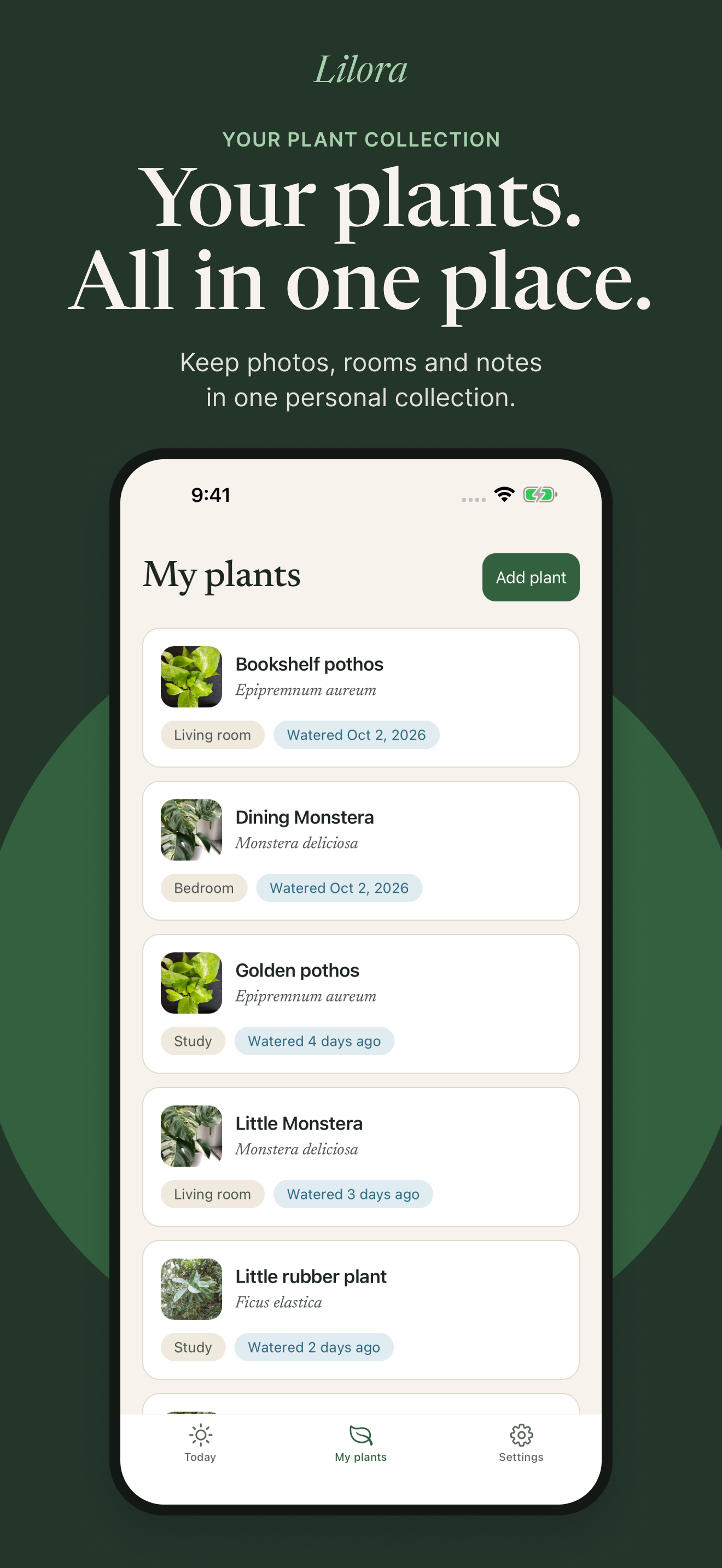
Lilora is a shared houseplant notebook for iPhone and iPad. Keep plants, rooms, photos, notes and care history together, with separate records for checking and watering.
Long description
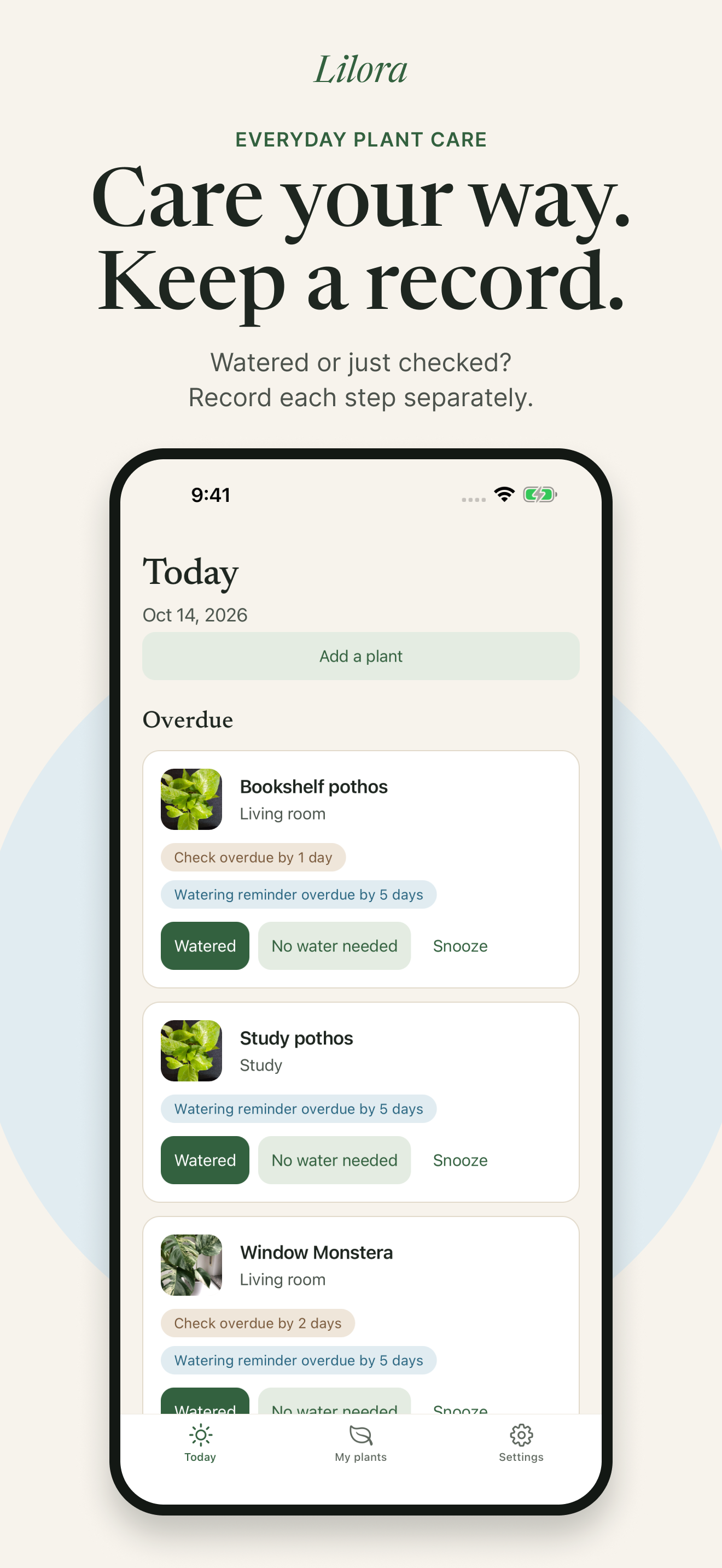
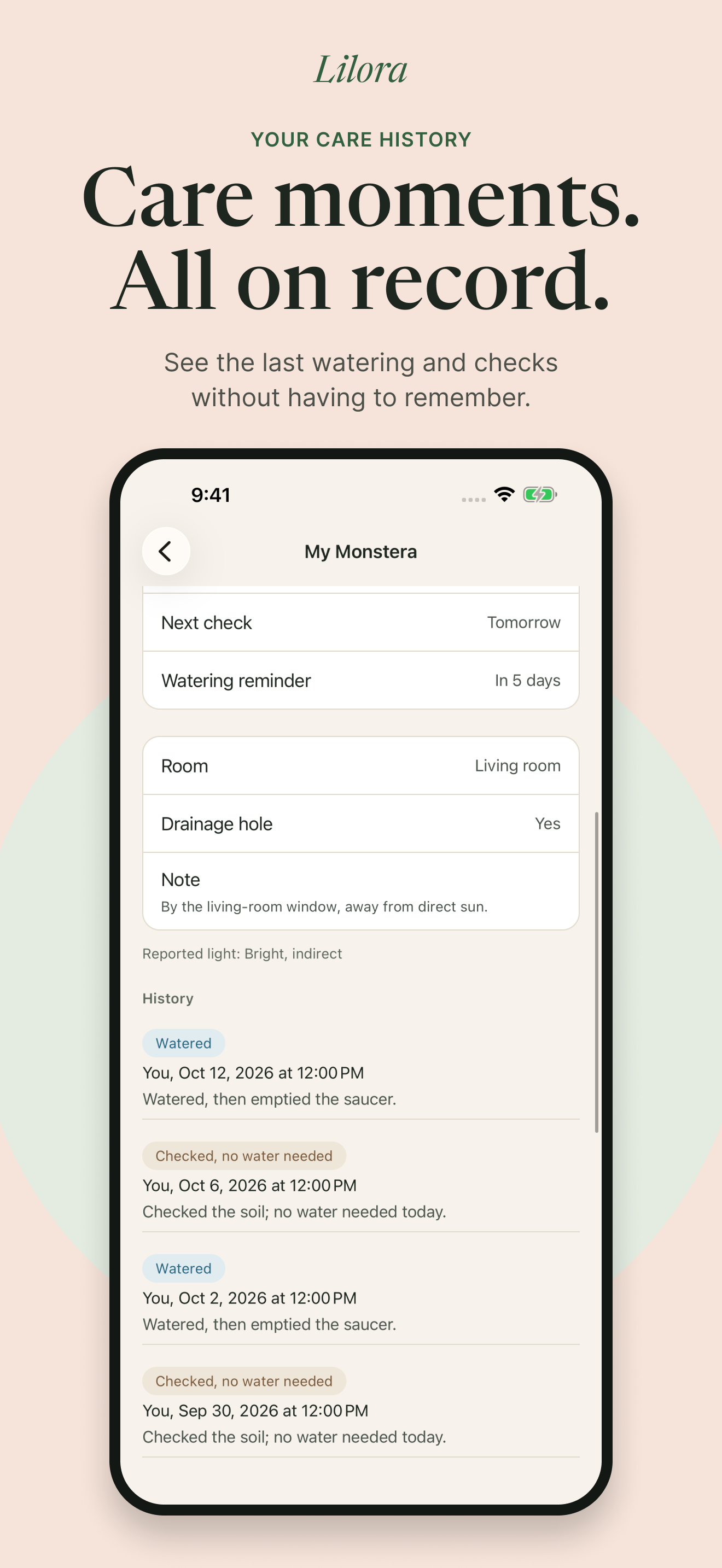
Lilora helps the people in a household keep a useful record of their plants. A plant can have a name, a room, a photo and notes. Reminders prompt a check; the person caring for the plant decides whether it needs water. Checking and watering have separate records, so someone else can see who did what and when.
Manual plants and care are free. You can begin without an account, with records stored on your device. An account adds private household sharing and optional photo identification through Pl@ntNet. Identification suggestions need your confirmation. Each account receives 3 free identifications, with an optional pack of 10 or Lilora Plus Monthly for 30 each month, without rollover.
The app is made for iPhone and iPad, with English and Turkish interfaces. Lilora is in App Store review and is not yet publicly available.
Original app artwork
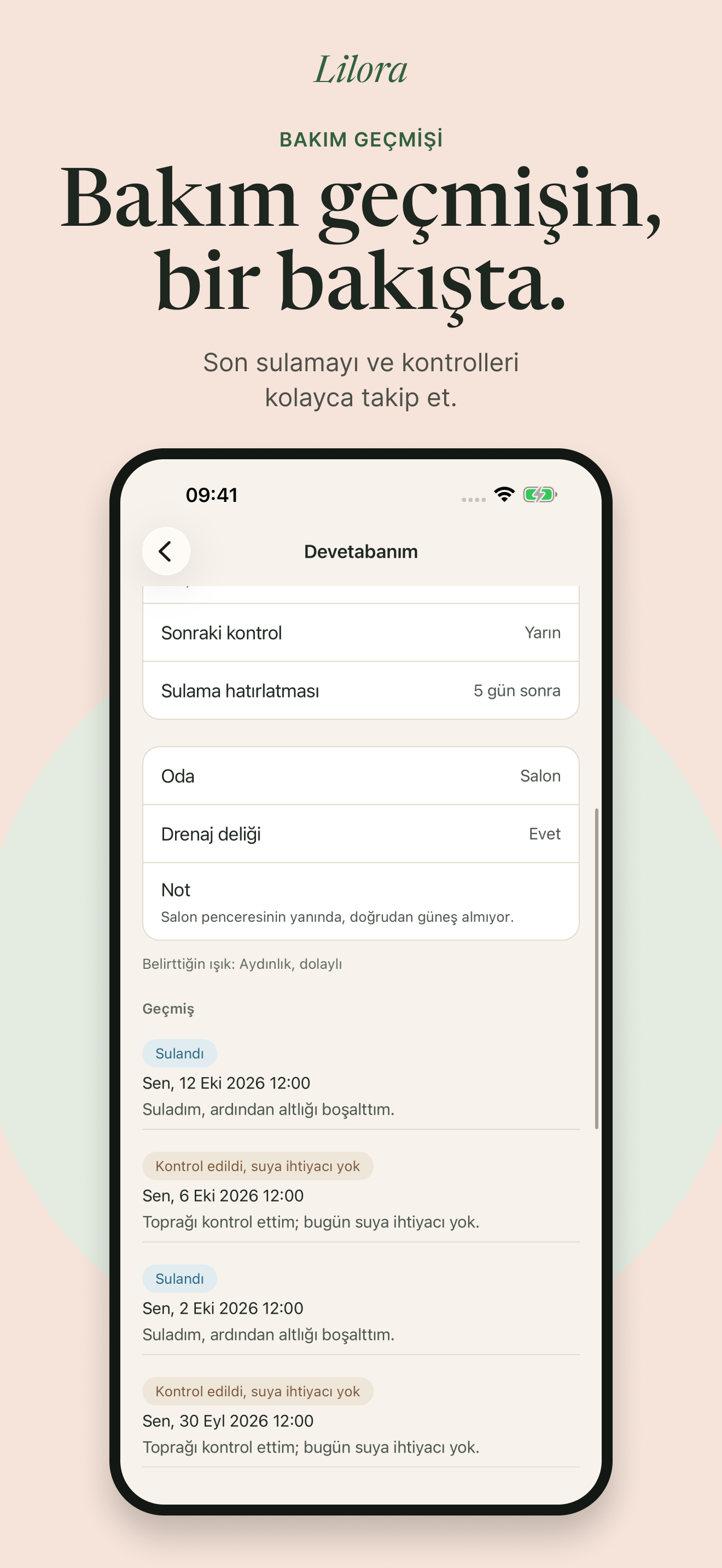
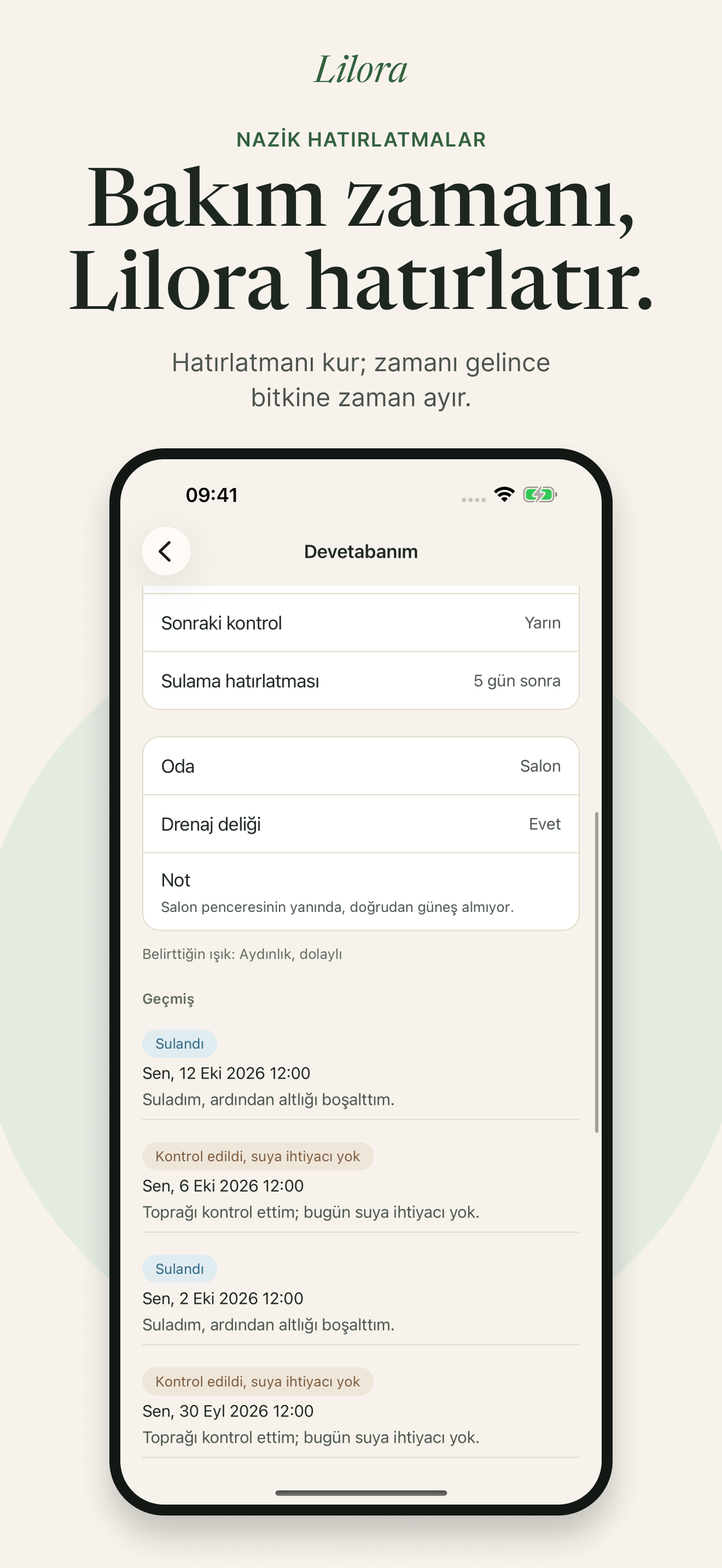
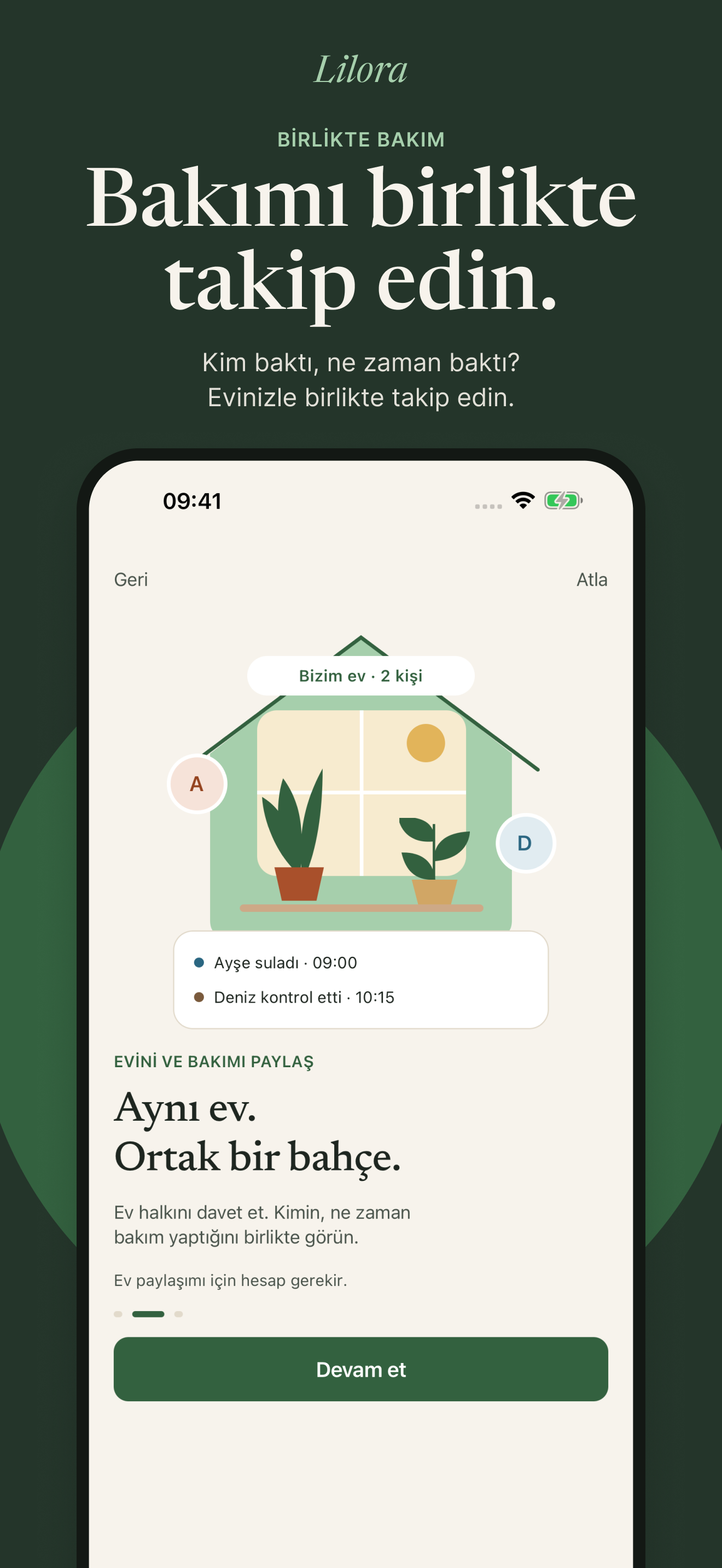
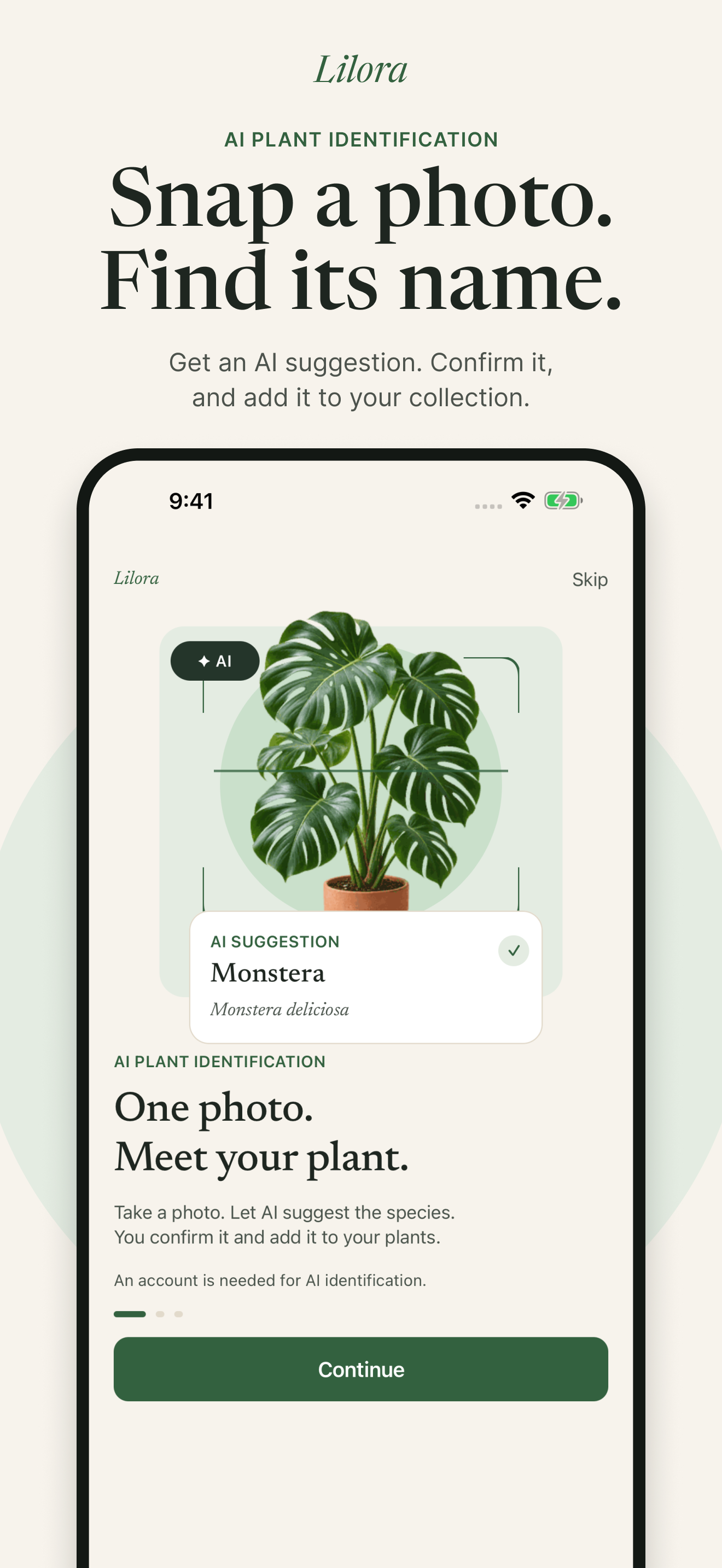
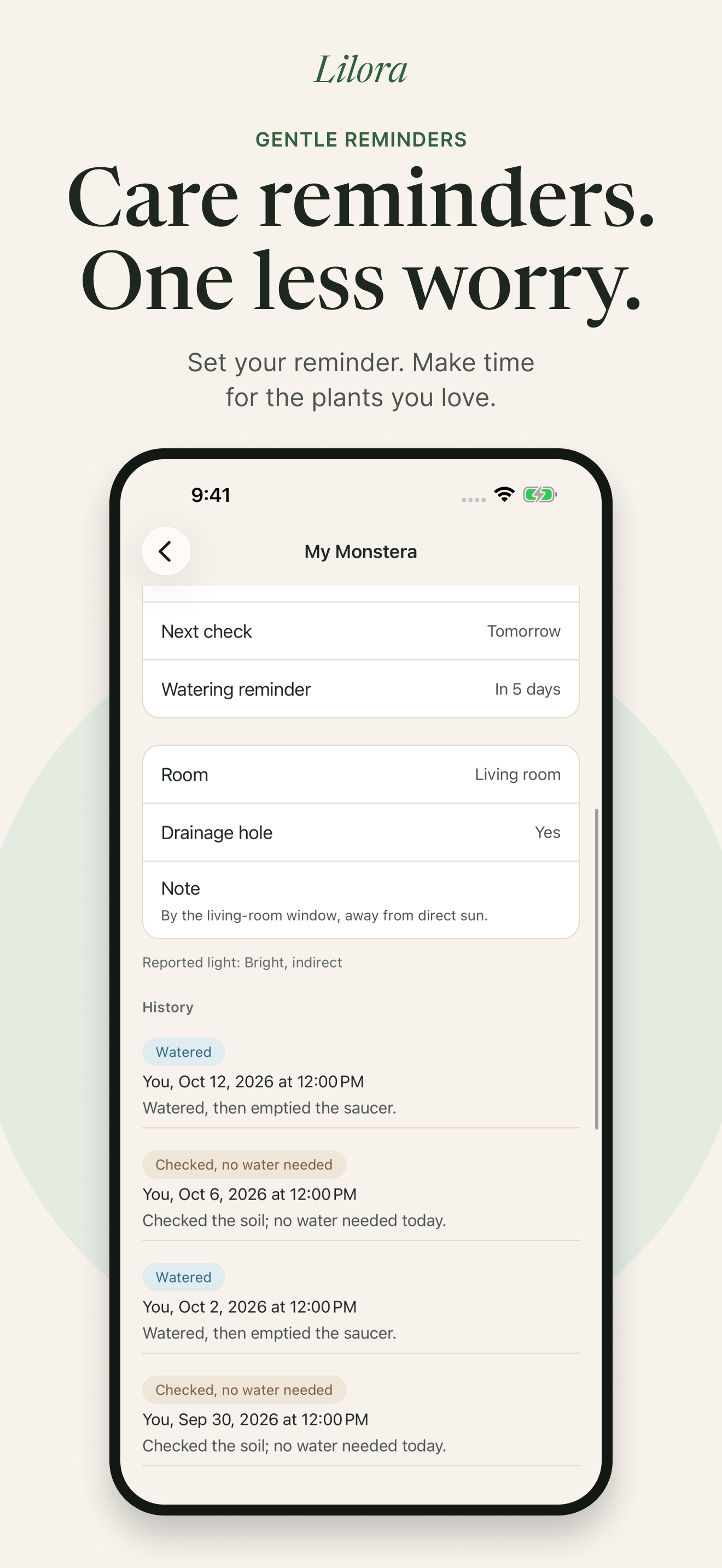
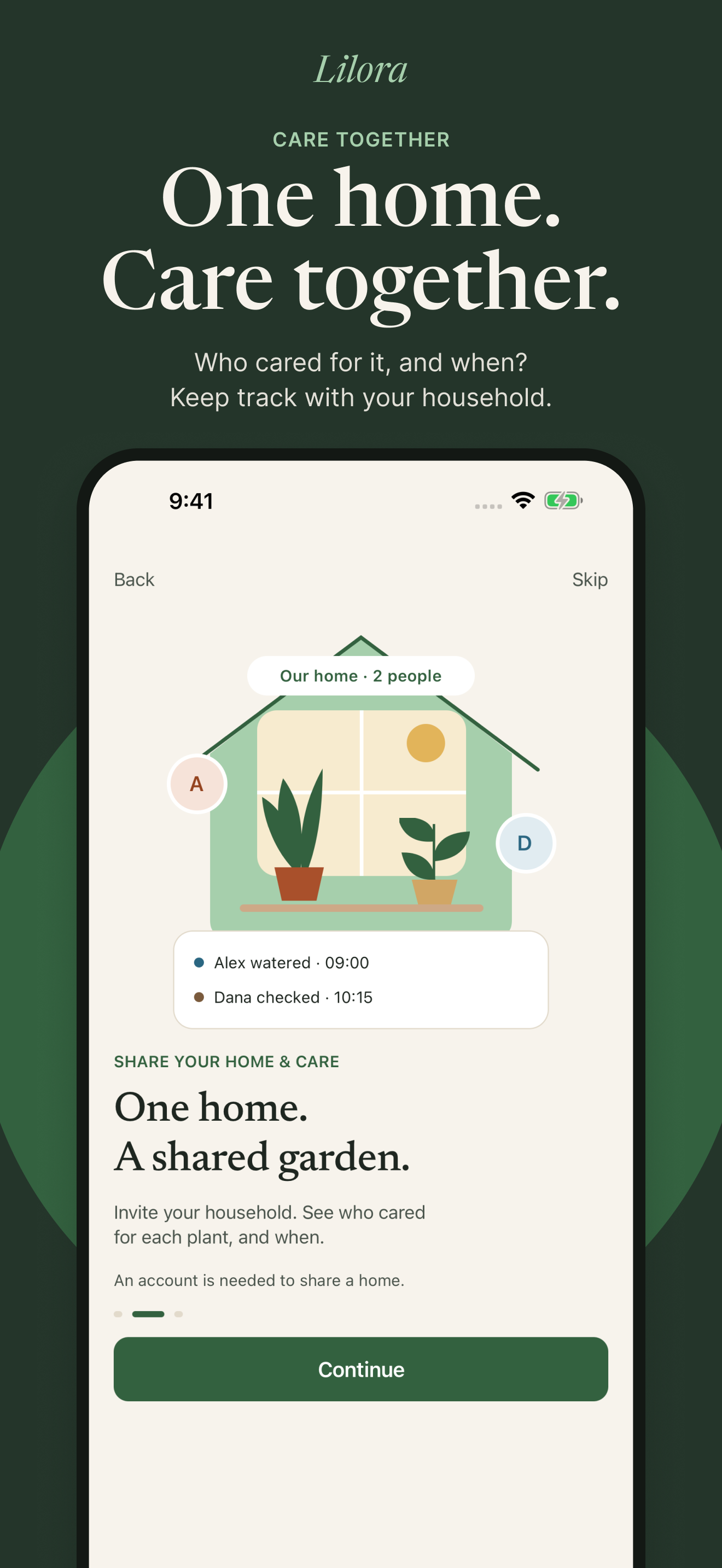
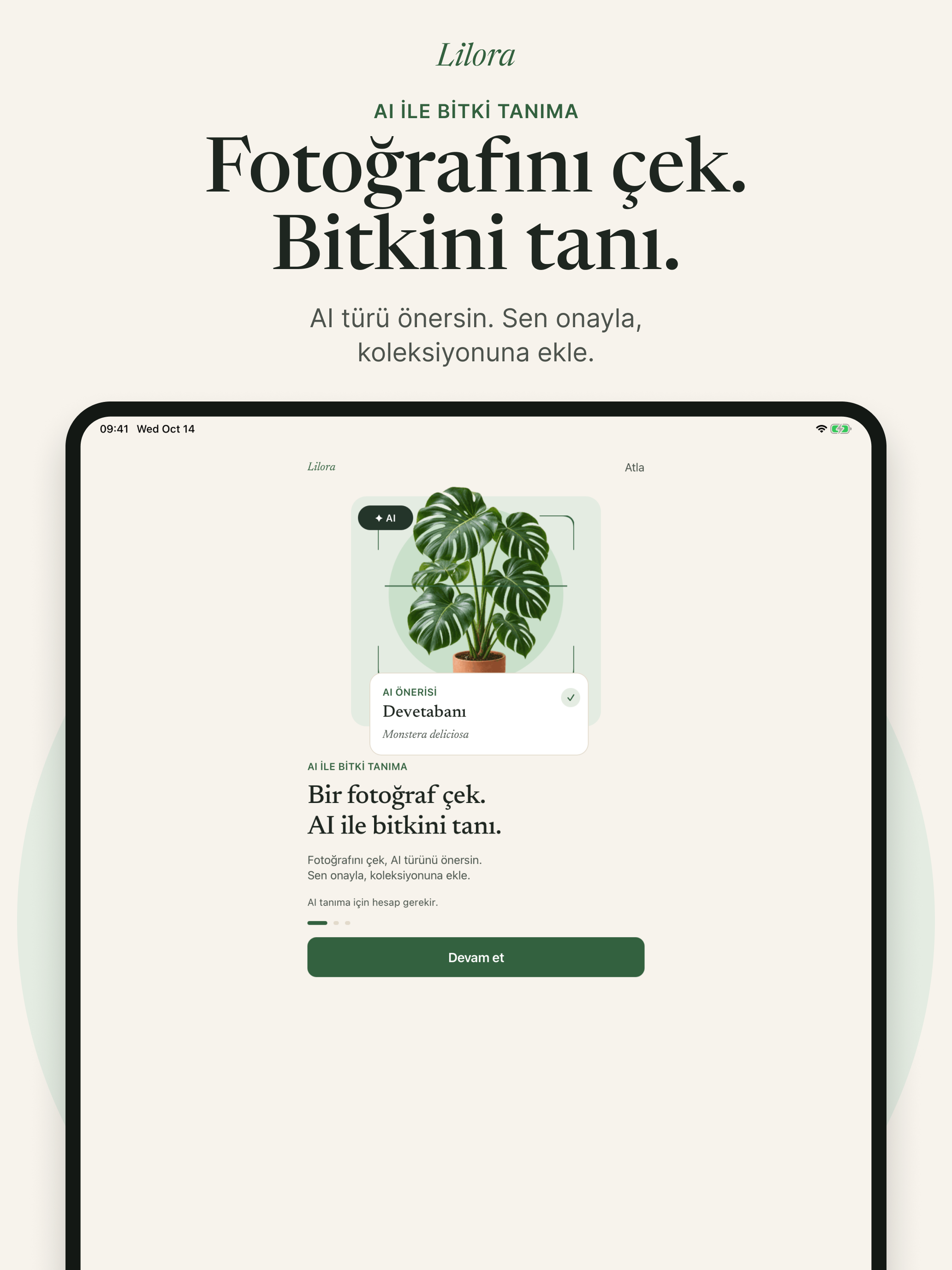
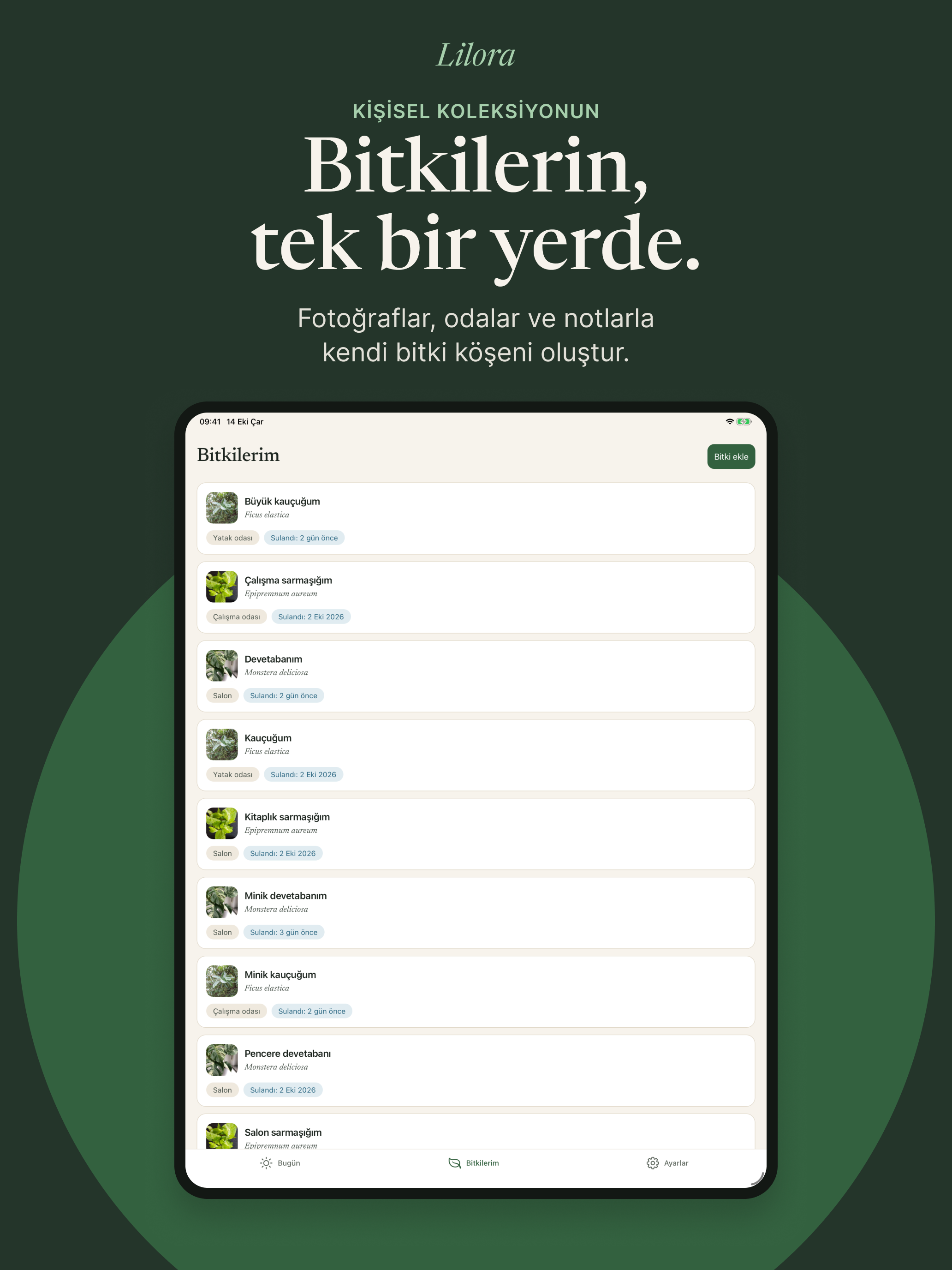
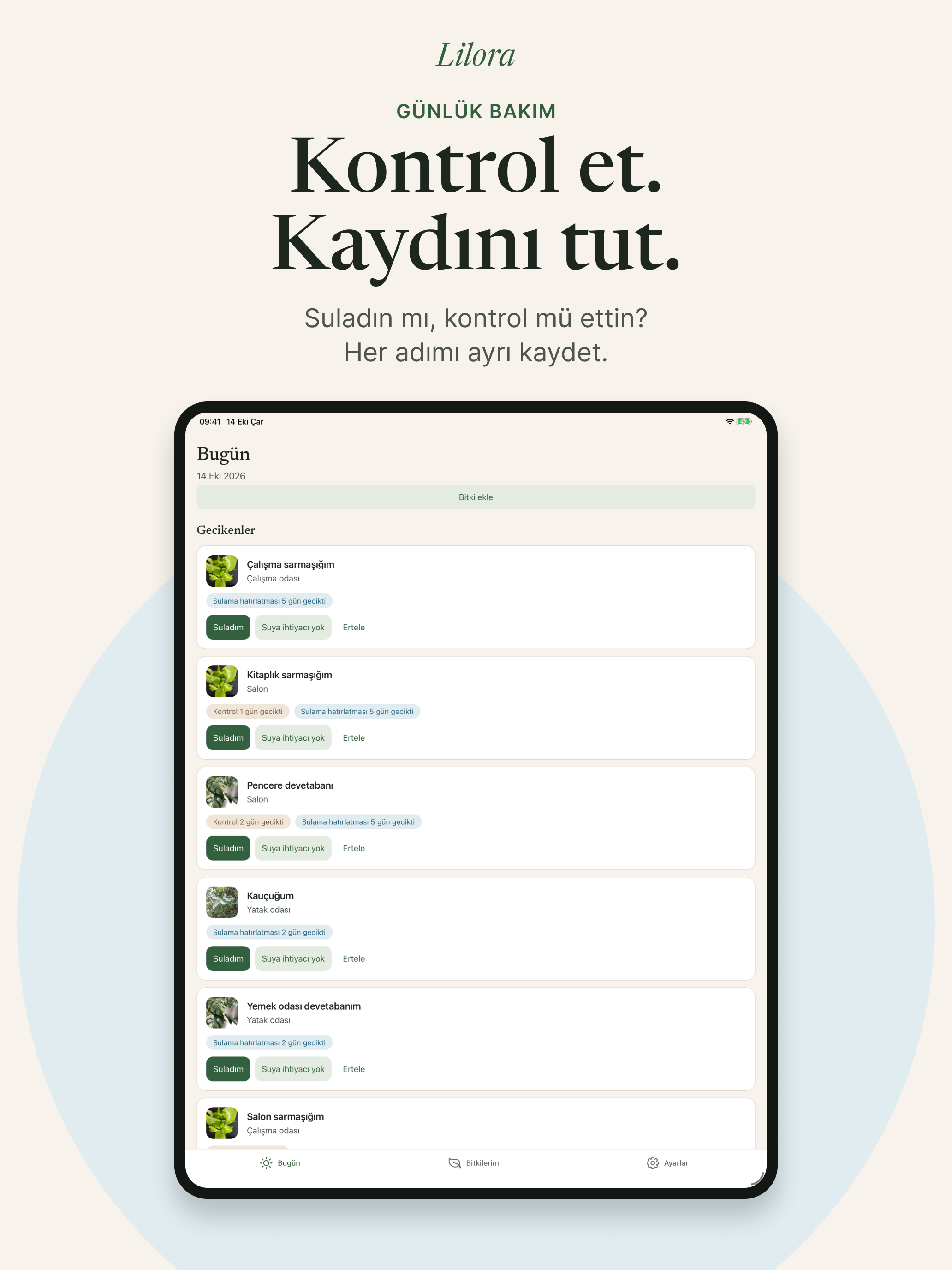
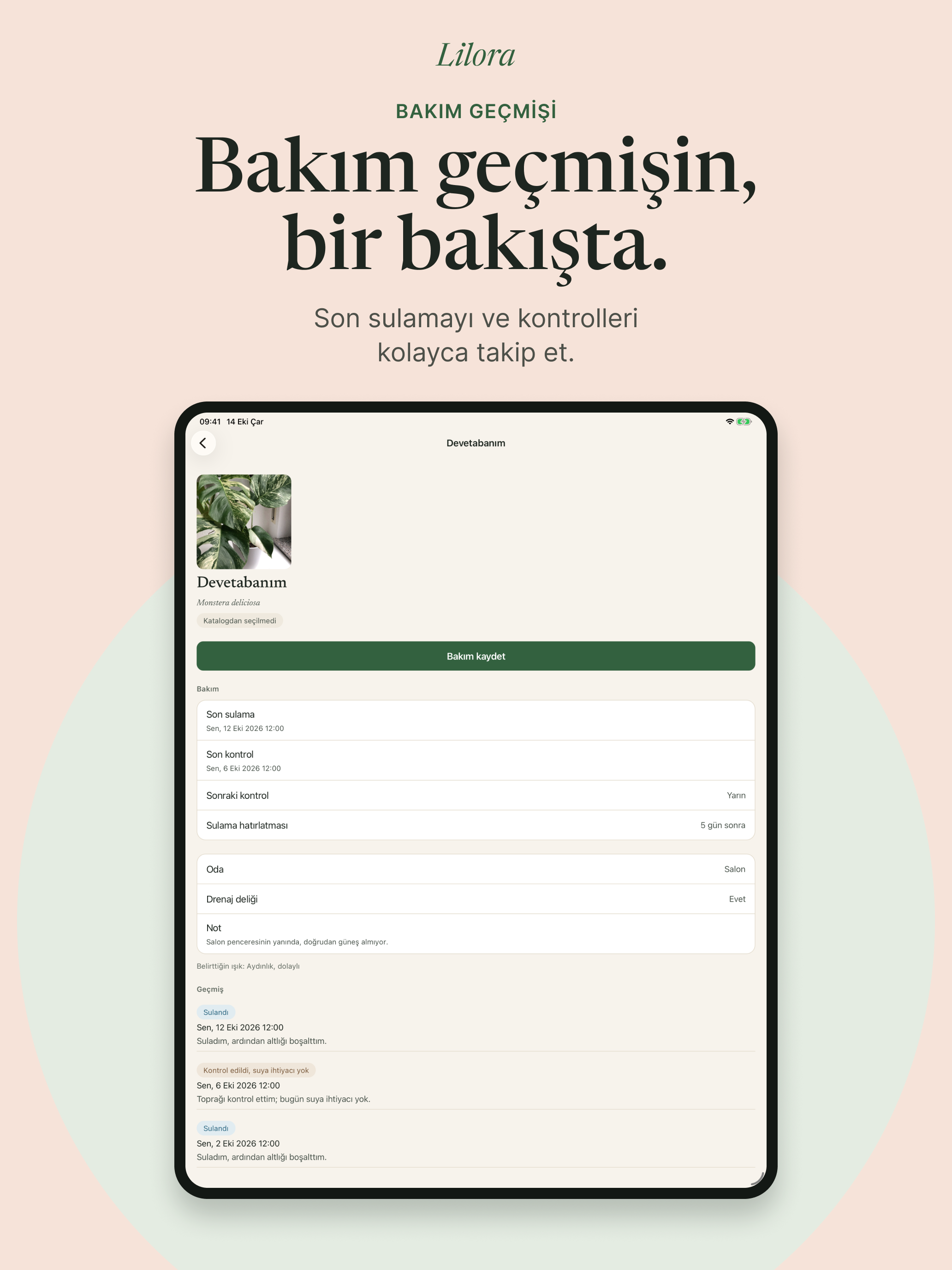
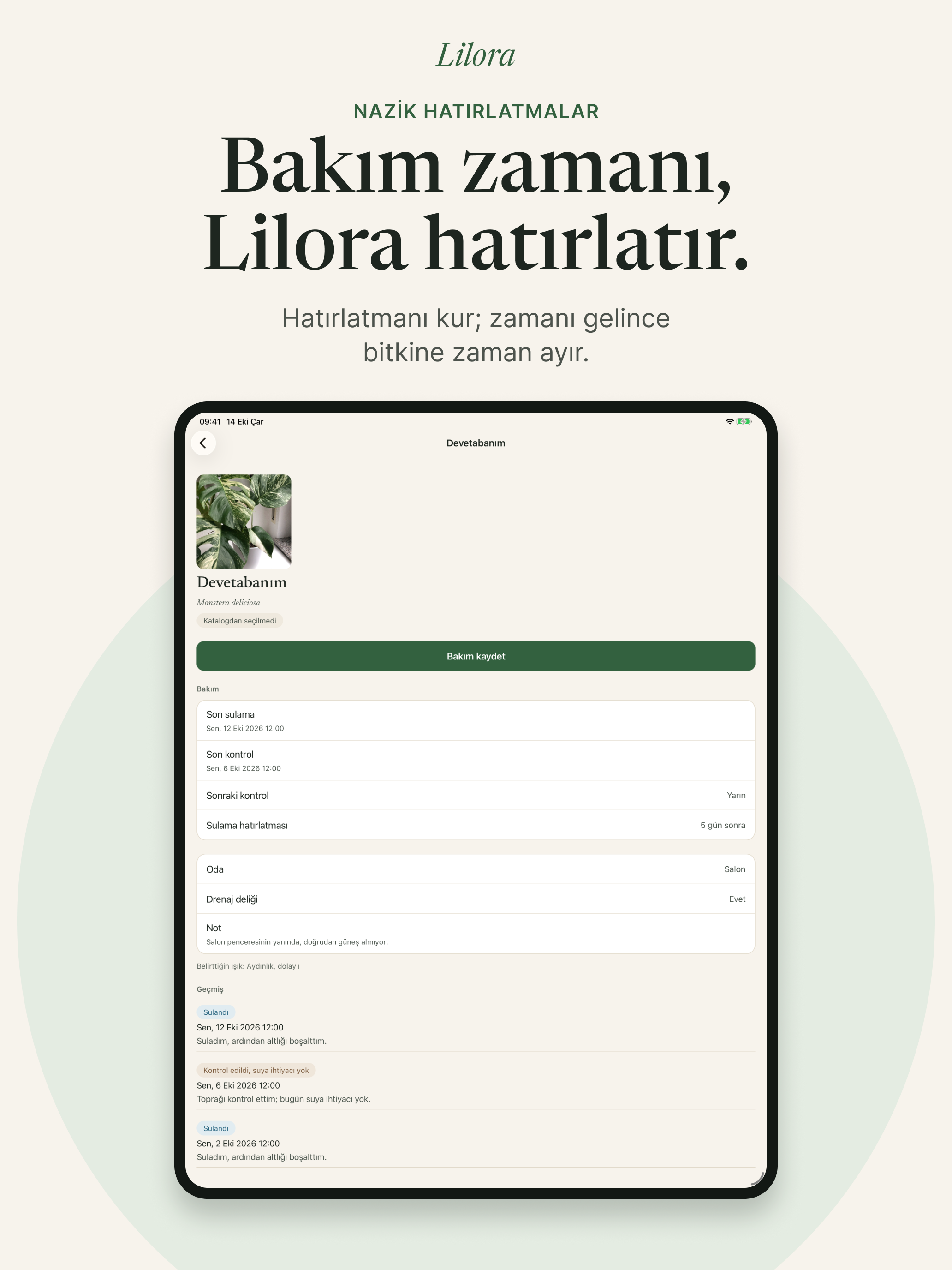
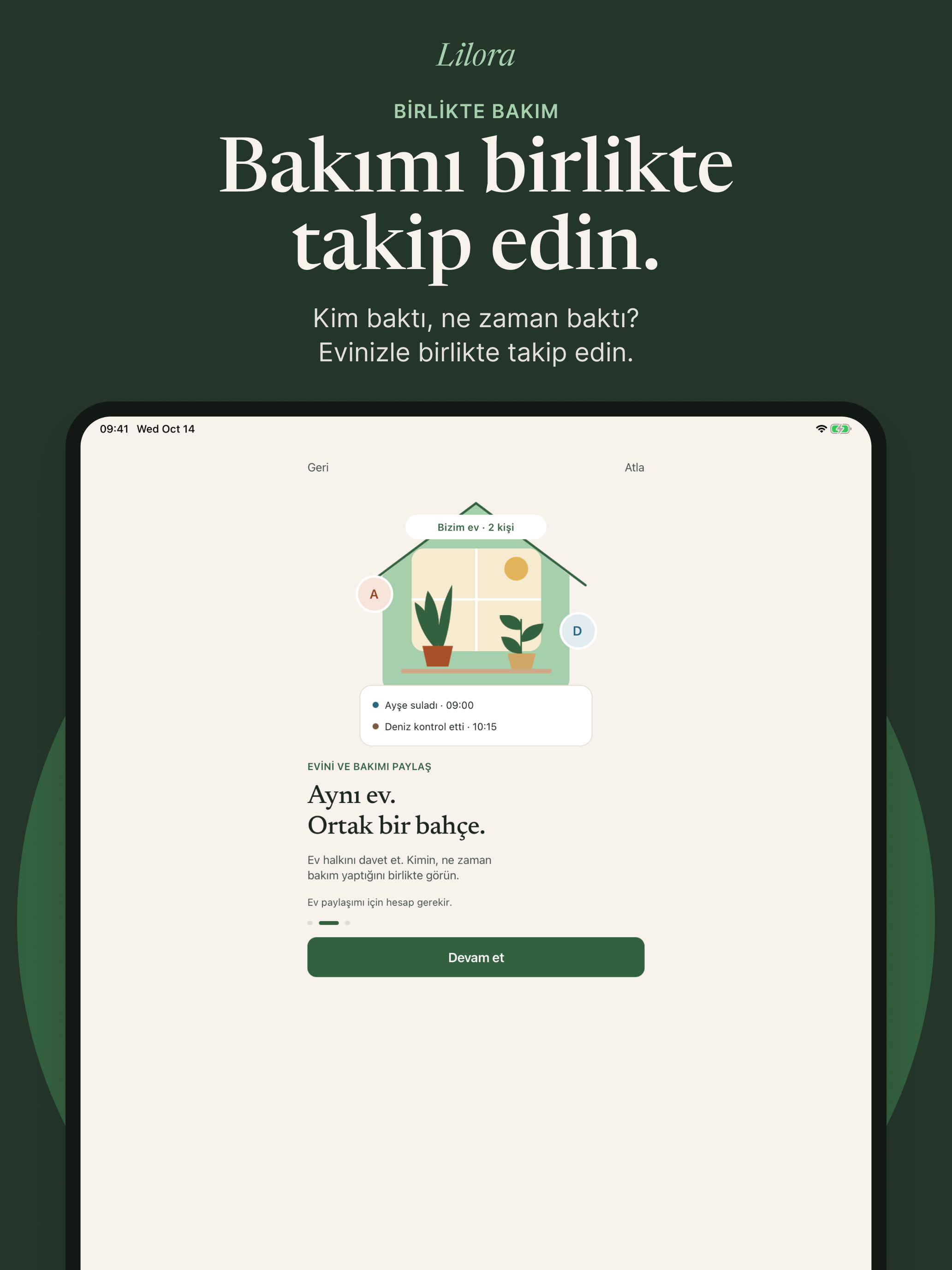
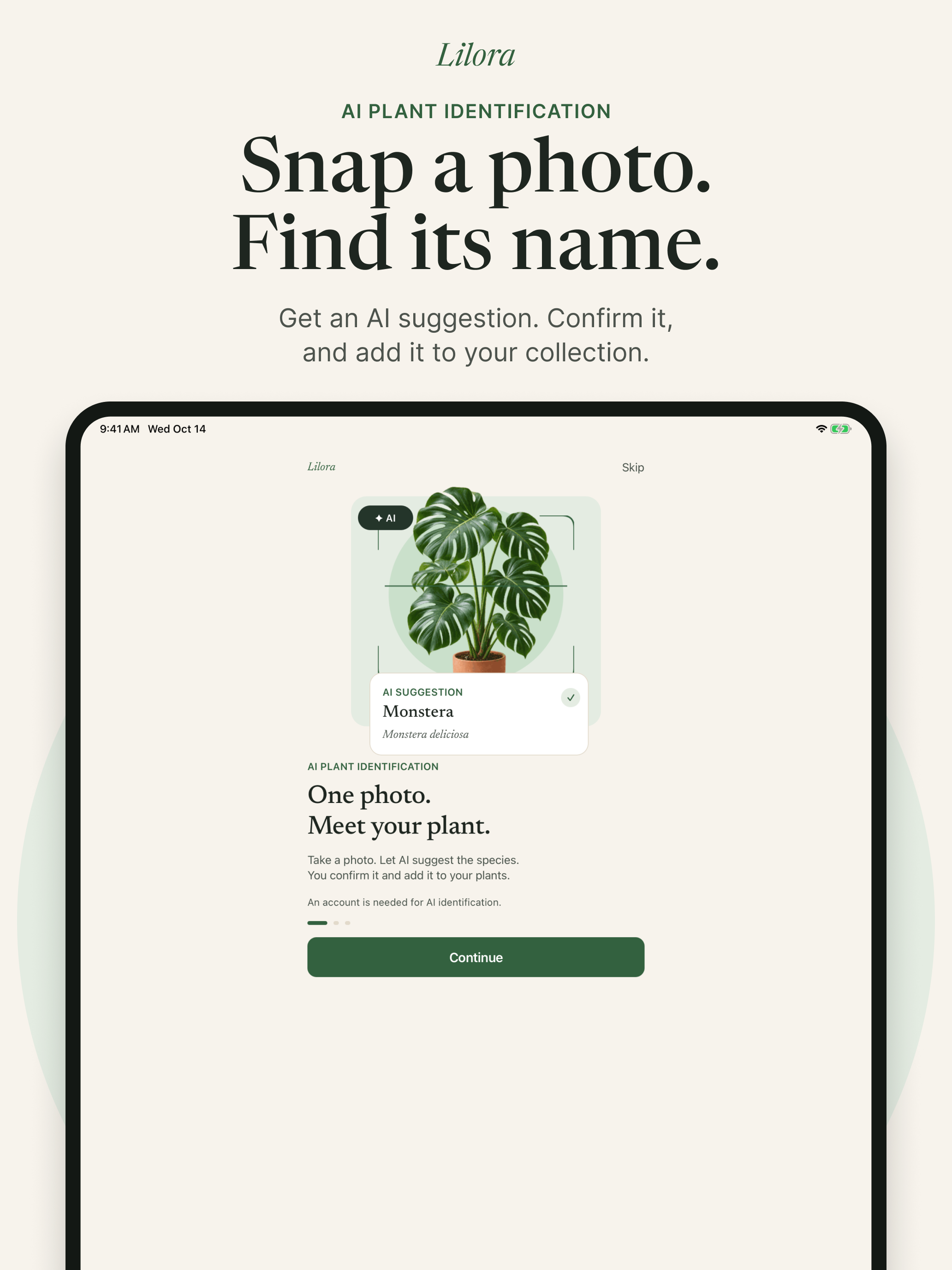
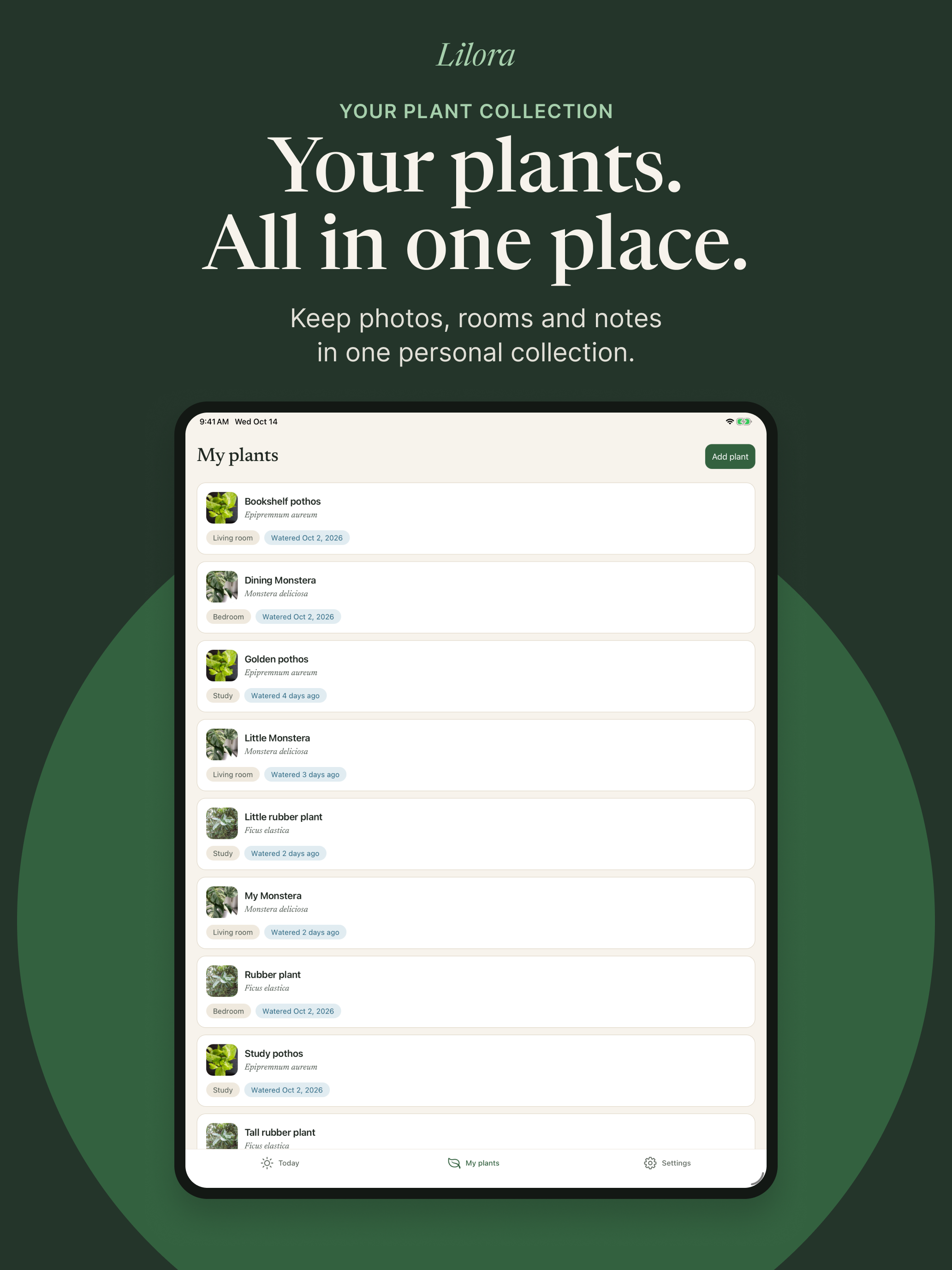
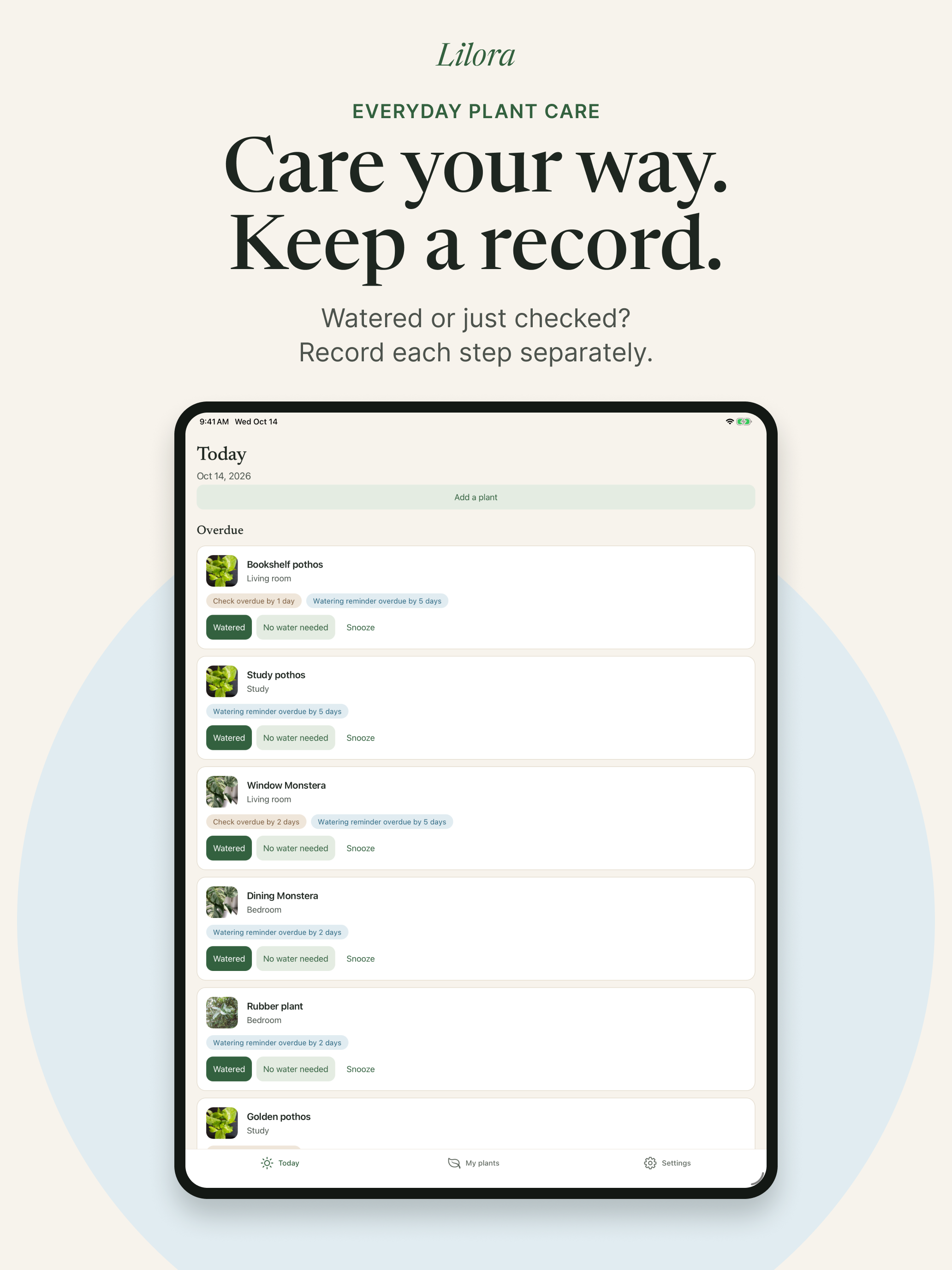
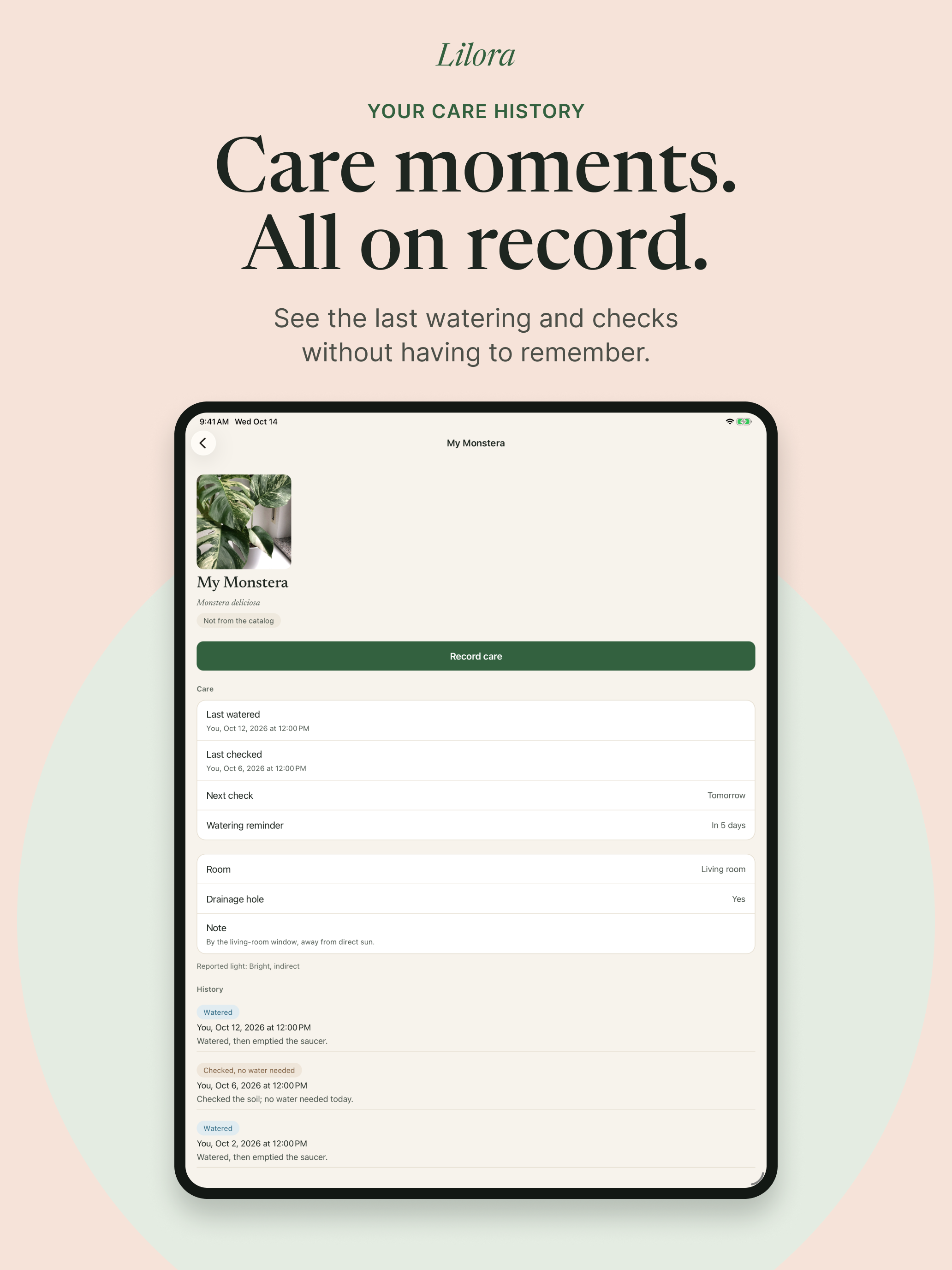
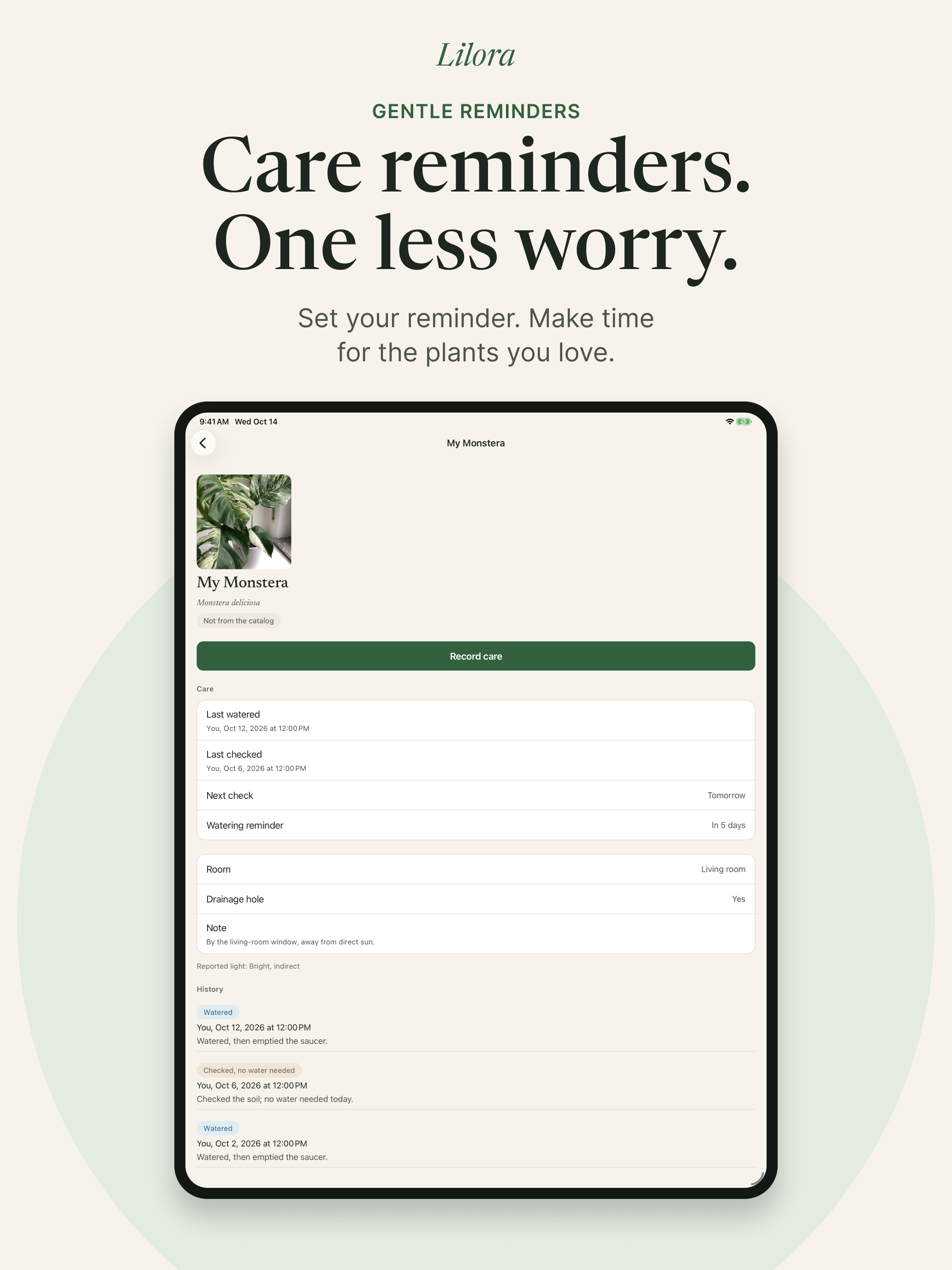
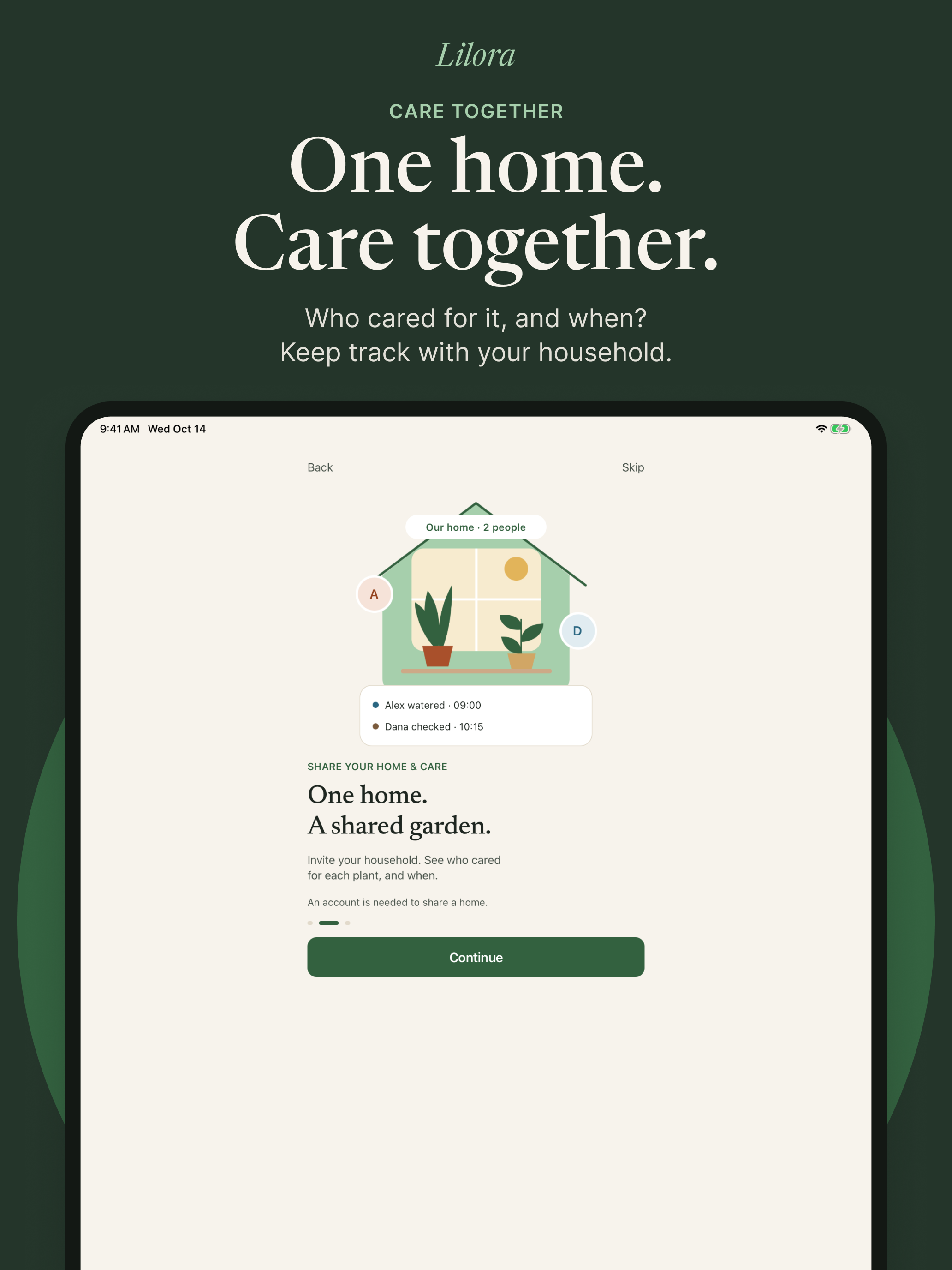
Real app captures, including onboarding screens, arranged as store artwork. Plant and care screens use sample records. Each PNG keeps the complete original composition. Choose the language and device you need.
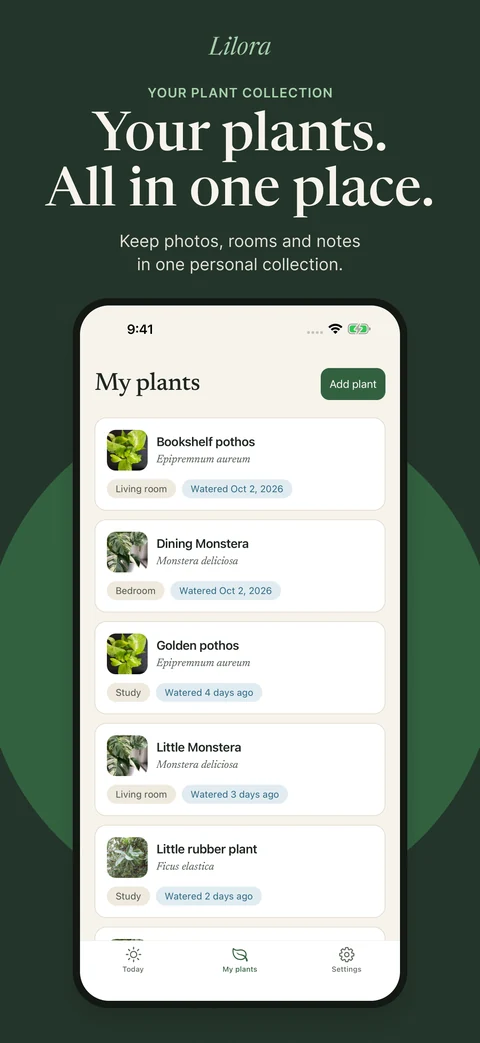
iPhone · Turkish
1320 × 2868 px
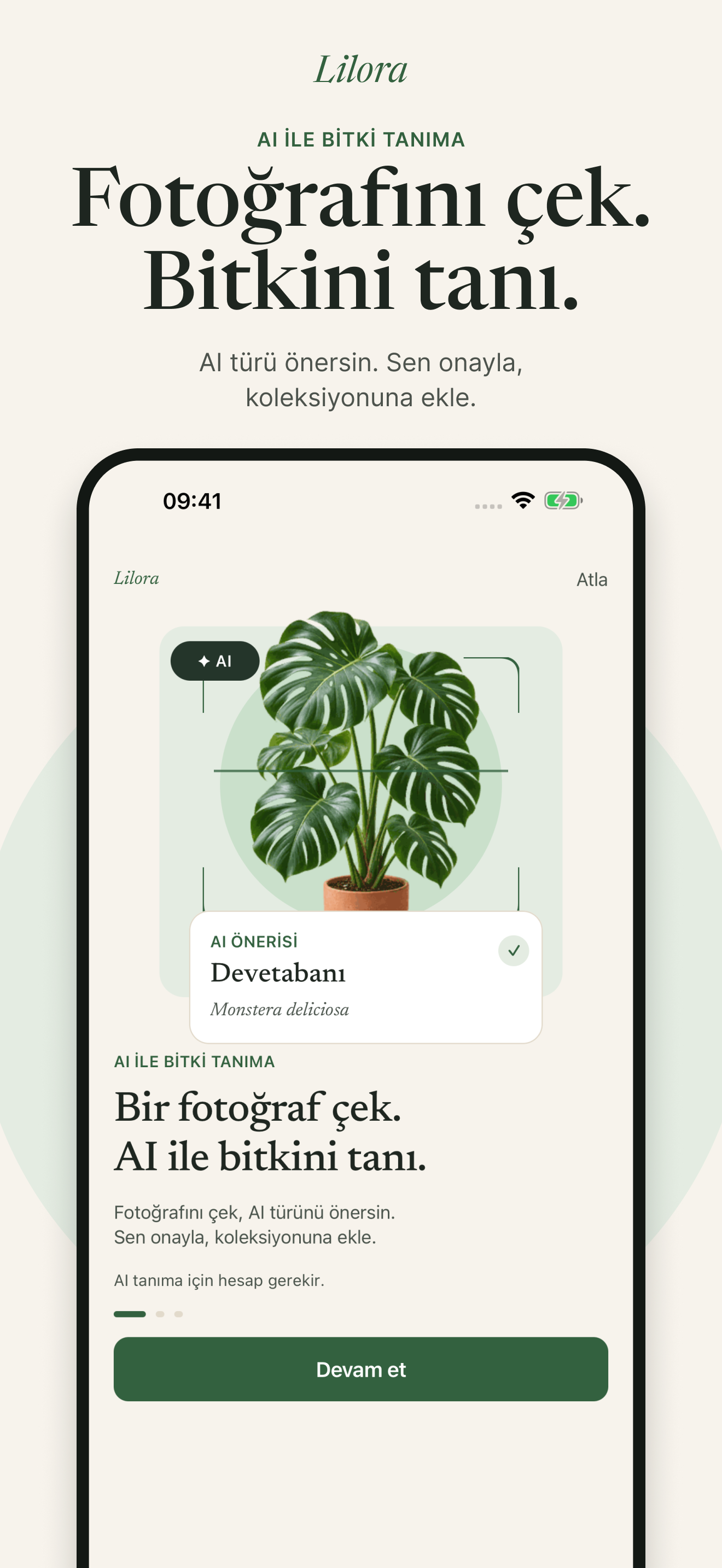
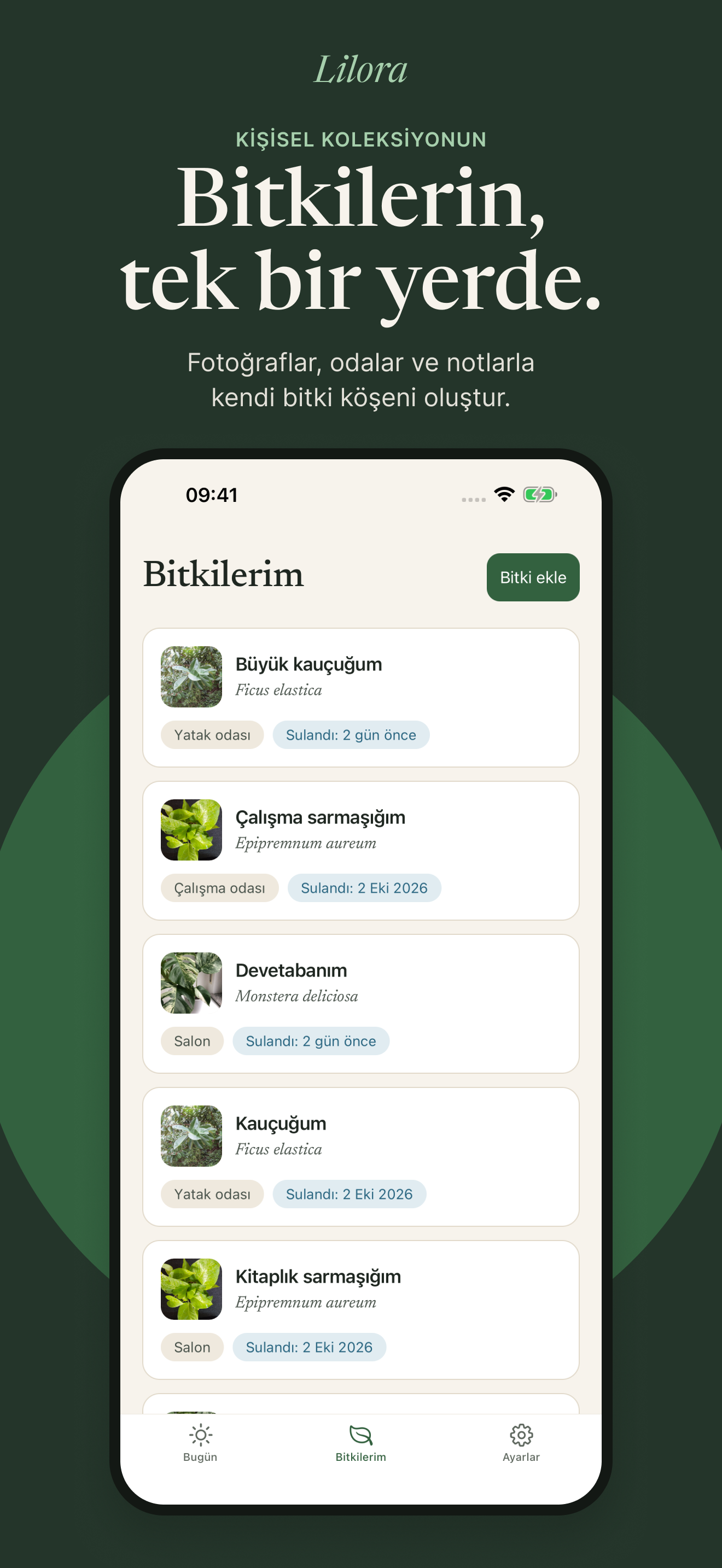
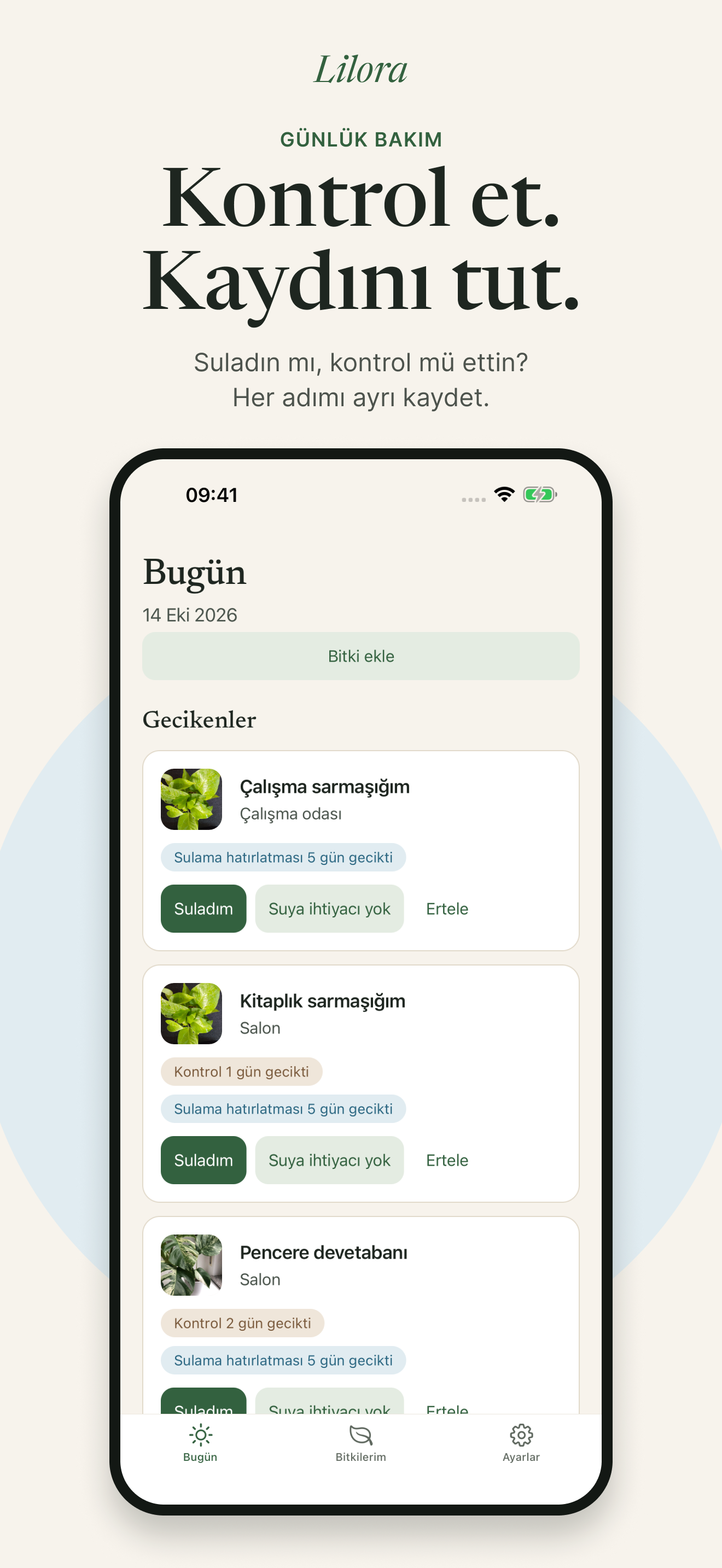
iPhone · English
1320 × 2868 px
iPad · Turkish
2064 × 2752 px
iPad · English
2064 × 2752 px
Artwork sources and image credits
Plant photos included in the app artwork
- Monstera V — Flora Tietze · Wikimedia Commons · CC0 1.0
- Ficus elastica 343432165 — Eric Schmidt · Wikimedia Commons · CC0 1.0
- Beautiful money plant — Bhuvanaalla · Wikimedia Commons · CC0 1.0


App icon
Use the existing Lilora icon without redrawing it. No separate approved wordmark file is included in this pack.
Download the original icon (PNG)
Print and share
Each file has a QR code pointing to the English download page and the current review status. Print at actual size to preserve the QR code’s size and quiet zone.
These are prelaunch materials. Once the app launches, use updated status copy before printing more copies; existing QR codes will still work.
Writing about Lilora?
For questions, artwork details or product information, use the press contact on our contact page.